How I use Pi

Today, I'd like to talk about Pi. Pi is a minimal coding agent originally built by Mario Zechner. It's one of the key tools I use to get things done. Brainstorming, writing code, testing, debugging, navigating, research, you name it. The idea of Pi is simple: ship the minimum amount of tools and let the agent evolve with its user (i.e. me!).
But why Pi?
I've used most agent harnesses out there. Claude Code, Codex, OpenCode, you name it. None of them really stuck like Pi did. Some are closed source (even though their code got leaked); others tend to change under my feet. Pi is simple, predictable, and doesn't do anything I'm not expecting. For something I drive every day, reliability is important. I think I'm also largely aligned with the philosophy of Pi.
Importantly, Pi is also model agnostic. It's not tied to a frontier lab or model provider. Working for every model out there is increasingly challenging, but Pi does a great job. I can use my Codex sub for some work, DeepSeek Flash V4 through the API for other work, and my local llama.cpp models when I don't need frontier intelligence.
My workflow
My everyday workflow revolves largely around the terminal. My Mac is my main machine, with a Hetzner server for Hermes and agents I want to run in the cloud. Everything is connected to the same Tailscale network. Ghostty makes everything pretty seamless, together with Tmux, Neovim, and LazyGit.
Tmux maps well to my mental model of work. Every project gets its own session, every task gets its own window. Nowadays, most of the time, I'll be running 2-3 agents in parallel on smaller things while I put my focus on a single one.
A few weeks ago I mentioned I stopped using Tmux in favour of Herdr. But I switched back. In Herdr, you get "pinged" when an agent is done. You are constantly looking at the status of all your agents. That makes me tired. I want to check on my agents, but at my own rhythm. I don't want to be pinged. I like Do Not Disturb mode too much. The cognitive load was a bit too much. I needed another solution.
Pi-tools, minimal tools for Pi
I ended up building pi-tools.
pi-tools is a set of tools I use as part of my Pi workflow. The centerpiece (and probably the only really original tool) is pi-jumper.
pi-jumper is my own take on the whole "multiple agents running, Herdr, Commander, your agent pings you when done, parallel work bullshit". It has two widgets: a sticky one below your input field that shows you how many other Pi sessions you have running (which you can turn off). The second allows you to quickly jump to other Pi sessions running on Tmux.
But pi-tools has a couple of other goodies.
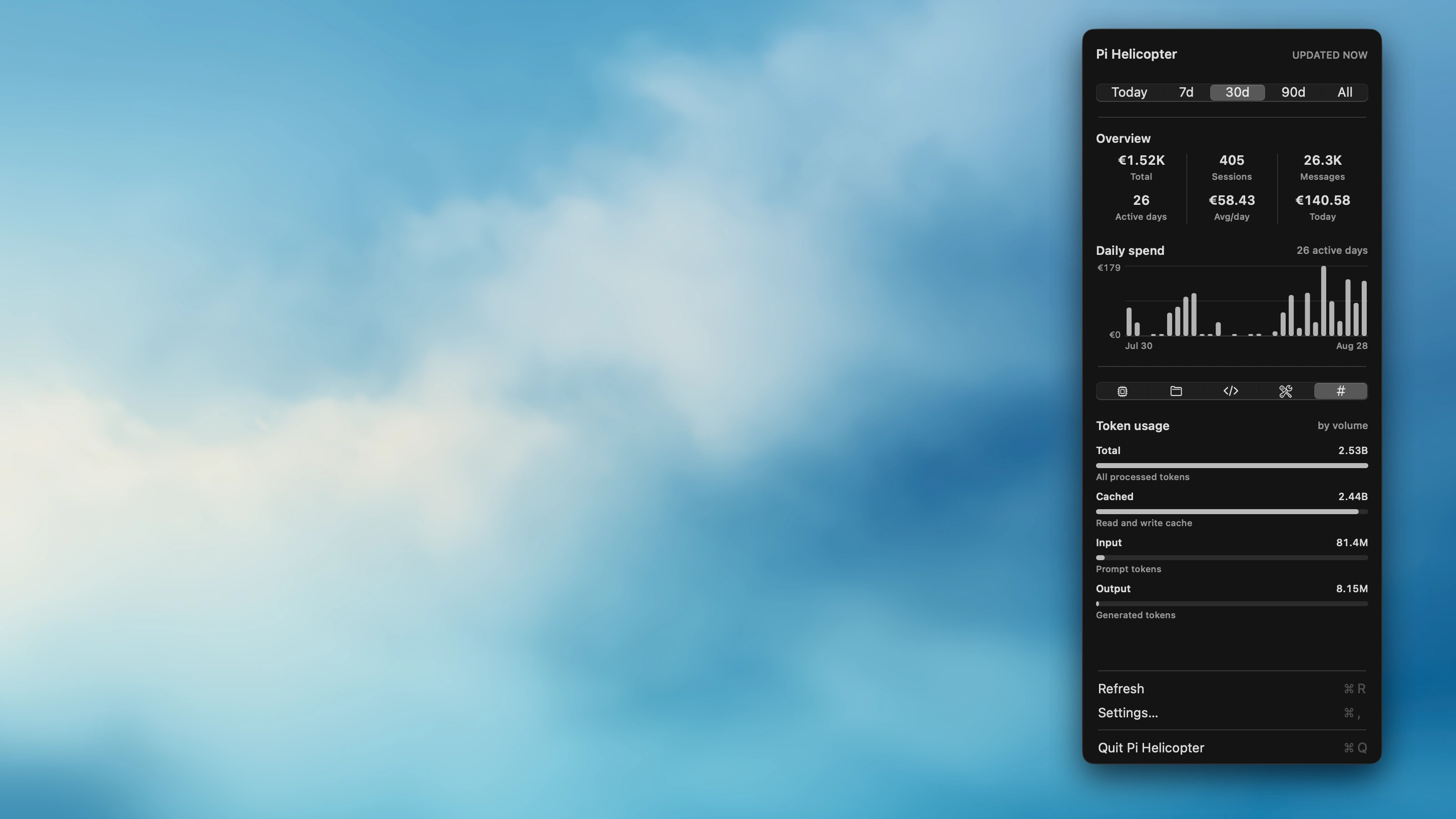
pi-helicopter is something I completely ripped off from phun333's Pi-infobar app. This one is Mac-only. Pi-infobar was consuming 1 GB of RAM on my Mac. pi-helicopter is a bit more lightweight and performant, for now at least.
The rest of the pi-tools extensions are small things I've built that make my life a bit more pleasant. Pi-no-sleep prevents my Mac from sleeping while Pi is running. Pi-preview allows me to read longer clanker messages in a nice web page. Pi-subagents is a very minimal implementation of subagents for Pi I stole from Armin, and Pi-modus themes is a port of my favourite themes for Pi.
All of these extensions tend to evolve with my taste. I believe they all stick to Pi's philosophy of being minimal instead of overwhelming.
And that's the idea of Pi, no? Minimal, extensible, but still predictable.
Note: I don't use just pi-tools, I use a couple of other extensions and skills. Check my dotfiles for more details.